
Finally, playback speed control for your home cameras
Google Home, Wyze, and Ring let you review recorded footage in the browser, but none of them offer a way to speed it up. Velocity adds a floating speed overlay to any HTML5 video, including your camera recordings.
Add to Chrome, It's FreeGoogle Home
Review Nest camera recordings and event clips in the Google Home web app at any speed. No more scrubbing frame by frame.
No native speed controlWyze
Speed through hours of continuous Wyze Cam recordings on wyze.com. Find the moment you need in minutes, not hours.
No native speed controlRing
Review Ring doorbell and spotlight cam event history on ring.com at 2×, 4×, or faster, directly in your browser.
No native speed control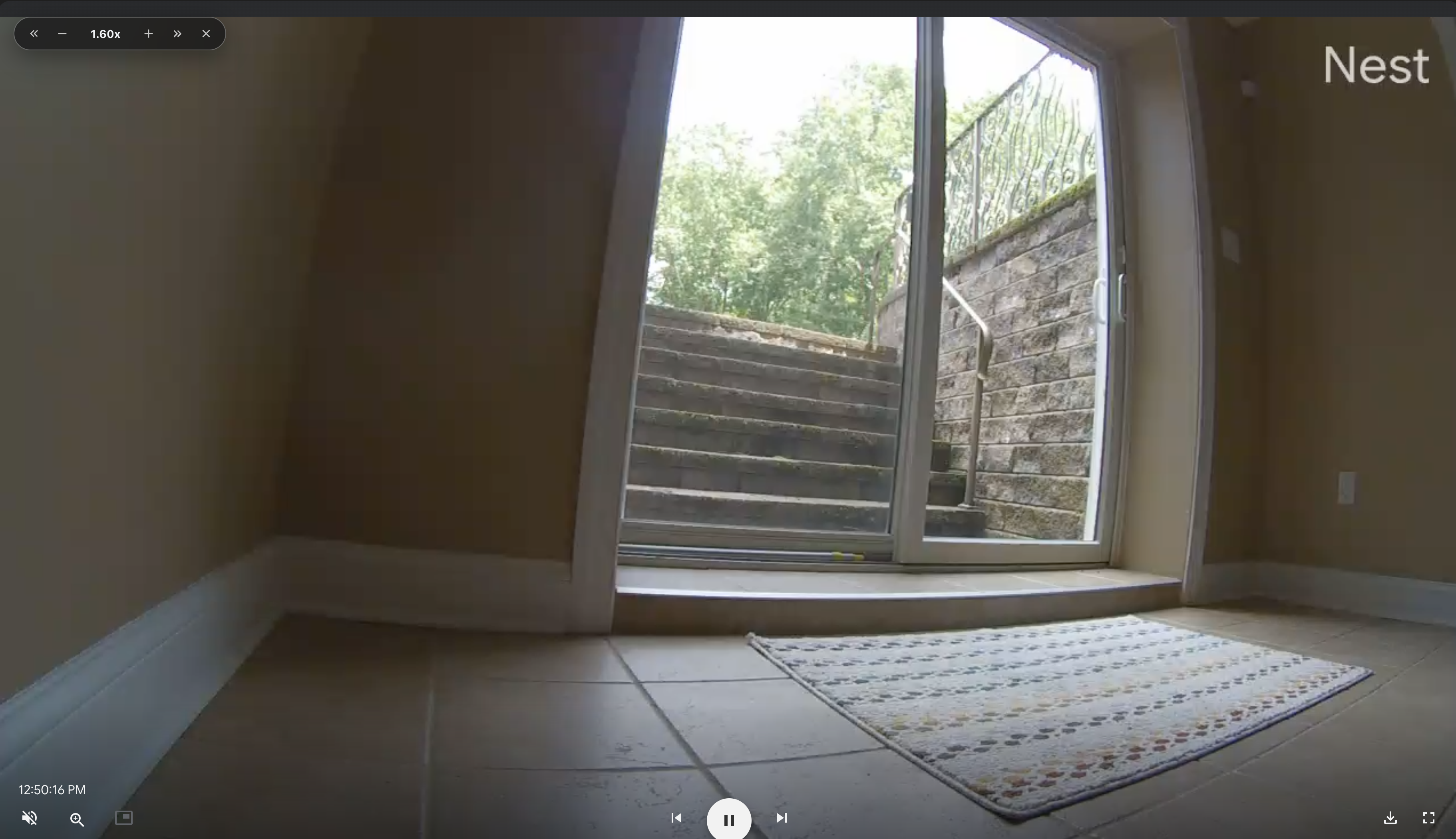
Three steps to faster footage review
Install Velocity
Add Velocity to Chrome in one click. No account, no permissions beyond what's needed, no data collected.
Open your camera's web app
Navigate to your recording in Google Home, wyze.com, ring.com, or any other browser-based camera portal and start playback.
Hover the video and set your speed
Velocity's frosted-glass overlay appears on hover. Click a preset (2×, 4×, 8×) or use keyboard shortcuts to scan through footage at exactly the pace you need.
Works on everything with an HTML5 video player
The same extension that speeds up your security footage also works on YouTube, Netflix, Disney+, Udemy, Twitch, Instagram, TikTok, and thousands of other sites. One install, universal coverage.
Stop scrubbing. Start scanning.
Free, private, zero telemetry. Works in seconds.
Add Velocity to Chrome